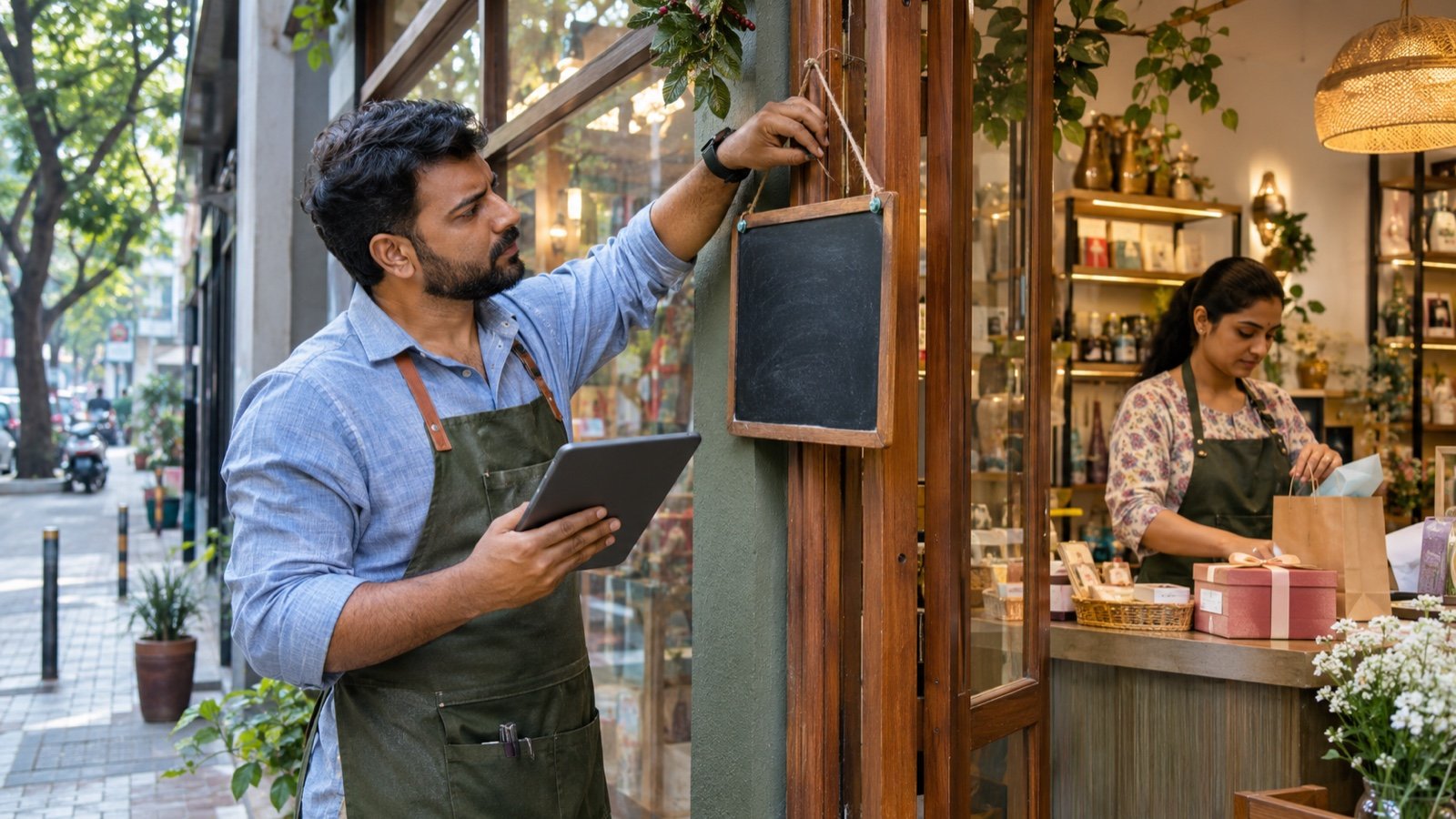
Searches for store hours, “open near me” and holiday availability become commercially urgent before Black Friday, Christmas and New Year. A wrong status can send a ready customer to a closed door, while an unconfirmed schedule can make the business look neglected even when normal hours remain unchanged.
Google recommends confirming special hours for official holidays, including days when the business keeps its regular schedule. This guide explains how a single location or franchise network can update Google Business Profile, website hours, structured data, social channels and customer communications without creating contradictory information.
1. Build one holiday-hours source of truth
Create a date-by-date table for every location covering Black Friday, local holidays, Christmas Eve, Christmas Day, Boxing Day where relevant, New Year’s Eve and New Year’s Day. Include opening, closing, service variations, last-order times and the person who approved each entry. Do not let social, operations and local managers maintain separate unofficial versions.
2. Separate regular, special and more hours
Keep regular hours for the normal weekly schedule. Use Special hours for a temporary change, holiday or event. Use More hours when a specific service such as delivery, takeout, drive-through or senior access has a different schedule. Choosing the correct field helps customers understand what is actually available rather than seeing one vague open status.
3. Confirm holidays even when hours do not change
Google advises businesses to confirm hours for official holidays even when they match regular hours. Review suggested dates inside the profile and explicitly save the correct schedule. Confirmation reduces uncertainty for customers and helps teams notice a holiday that operations forgot to discuss.
4. Update one location carefully
Open the verified Business Profile, choose Edit profile, then Hours and Special hours. Select or add the date, mark the location open or closed and enter every opening period. For split shifts, add both periods. Save the change and check the public profile after processing rather than assuming the edit is instantly visible.
5. Handle overnight and split schedules correctly
A special-hours period cannot exceed 24 hours. When a location operates across midnight, divide the schedule according to Google’s documented format so each calendar day has the correct portion. Re-enter any second-day hours that should remain active because special hours can override the regular schedule for that date.
6. Choose temporary closure only for longer shutdowns
Google documents Special hours for closures of up to six consecutive days. If a business is closed for seven days or more, or for an unknown period, Temporarily closed may be more appropriate. Do not mark a business permanently closed for a seasonal break, and do not use temporary closure merely because one service is unavailable.
7. Audit every public customer surface
Match the approved schedule across the website, booking engine, delivery platform, social profile, directory listings, call greeting and storefront notice. Prioritise the surfaces customers actually use. A Google profile that says open while the booking page rejects every slot creates the same broken experience as incorrect hours.
8. Update the website without creating stale copy
Add a visible holiday-hours block to the relevant location or contact page and include the year. Keep the normal schedule nearby but clearly label exceptions. Remove or archive the notice after the period ends. Avoid placing critical hours only inside an image because search engines, screen readers and customers may not interpret it reliably.
- State the exact date, time zone and location.
- Show separate pickup, delivery or appointment cut-offs.
- Link directly to booking, directions or store contact.
- Add a “last updated” date when hours may change again.

9. Align LocalBusiness structured data
Google Search supports LocalBusiness structured data for regular and seasonal opening hours. Use validFrom and validThrough where appropriate for seasonal exceptions, and keep the markup consistent with visible page content. Structured data does not replace Business Profile edits; it gives search systems another clear, machine-readable source.
10. Give franchise locations controlled ownership
The central team should supply required dates, field definitions, deadline and review process. Local operators should confirm real staffing and service availability. Use store codes and a change log for bulk updates. Do not publish a nationwide holiday promise when individual outlets have different legal, mall or staffing restrictions.
11. Validate bulk-upload files before import
For multi-location profiles, Google supports special-hours values in a bulk spreadsheet. Test a small sample first and preserve a copy of current data. Google warns that empty imported columns can erase existing information, so include only required fields for a limited update and verify several public listings after import.
12. Plan the customer message around intent
Customers searching holiday hours often want an immediate visit, pickup, meal, appointment or emergency service. Pair the hours with useful facts such as stock limitations, booking requirements, delivery cut-offs, parking and accessibility. Do not turn the update into keyword-stuffed promotional copy that hides the operational answer.
13. Monitor edits and unauthorised changes
Check profile notifications, suggested edits and public hours throughout the season. Keep screenshots or exports of approved schedules for troubleshooting. Limit account access to appropriate team members and remove former employees or agencies. If a public correction is needed, update the source of truth first and then repair every affected surface.
14. Run three customer-view tests
Test the listing from a logged-out mobile browser, Google Maps and a direct brand search. Confirm the open status, upcoming holiday note, directions, phone and website destination. Call the location and test the booking or order flow. A technically correct field is not enough if the full customer journey still gives conflicting information.
15. Use a Black Friday-to-New Year operating rhythm
Four weeks before: approve dates and responsibilities. Two weeks before: update profiles, website and platforms. Three days before each event: recheck staffing, stock and public status. On the day: monitor calls, directions and customer questions. Within two days after: remove expired messages and confirm the next special date.
Key takeaways
Put the framework into action
- Confirm Google Business Profile Special hours even when a holiday follows the regular schedule.
- Keep Google, website, booking, delivery, social and storefront information aligned from one approved location table.
- Franchise networks need central standards plus local operational confirmation before publishing every outlet’s hours.
Research sources
Sources & further reading
This article provides general business education, not legal, tax or financial advice. Adapt the framework to your market and consult qualified professionals where required.