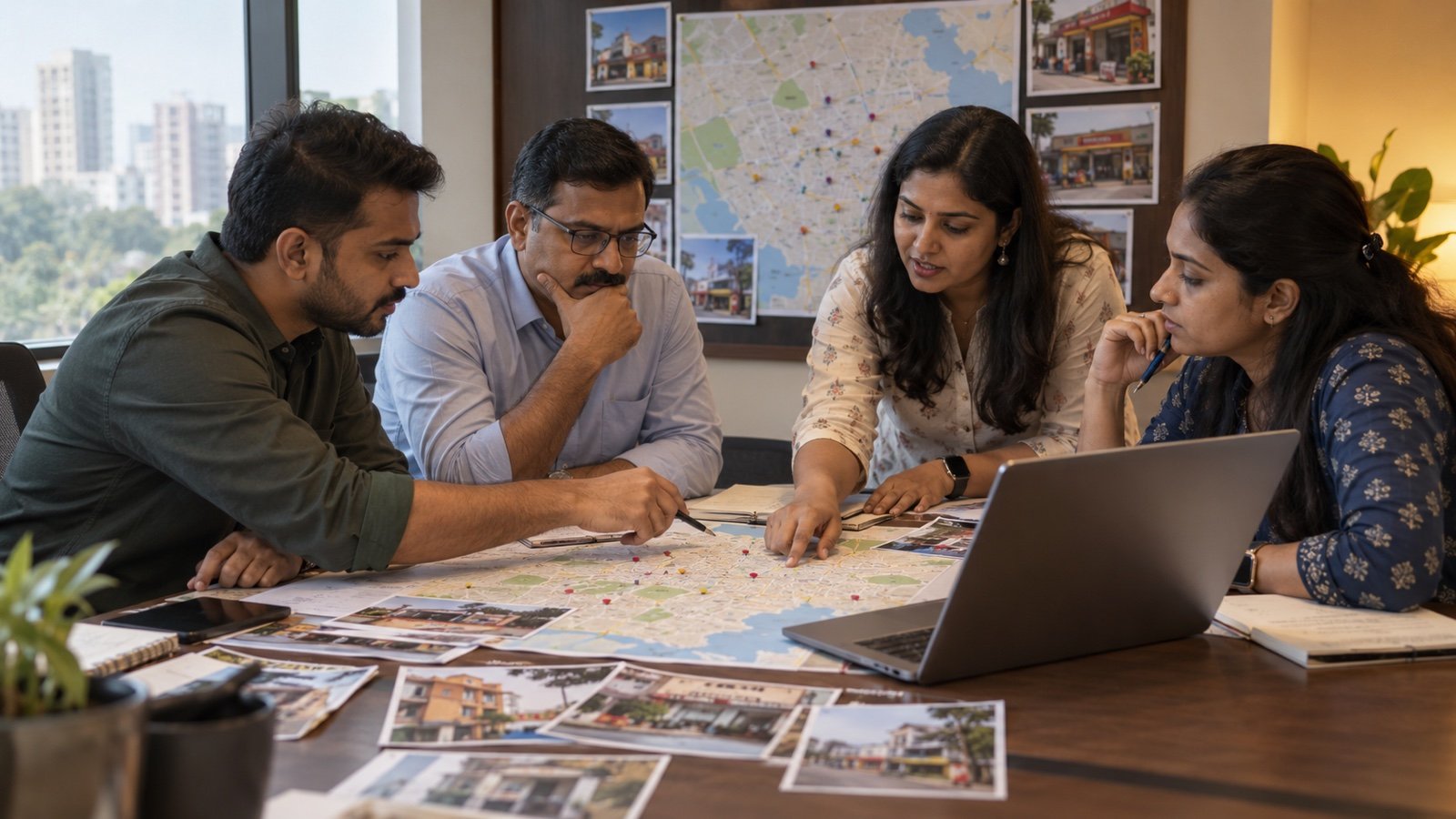
A franchise website may need pages for ten, fifty or five hundred outlets. The obvious shortcut is to duplicate one template and replace the city name, address and phone number. That creates pages, but not necessarily useful local results. Customers want to know whether the outlet really serves them, what is available there, when it opens, how to reach it and what makes that location credible.
The content gap is operational: most advice says “create a page for every location” without explaining how a franchise team can produce unique evidence, manage Google Business Profiles and prevent inaccurate franchisee edits at scale. This guide separates the information that should remain consistent across the network from the local proof that must be maintained by each outlet.
1. Give every eligible outlet one permanent URL
Use a stable structure such as /locations/jaipur-vaishali-nagar rather than a temporary campaign URL. The page should represent one real customer-facing outlet or eligible service location. Keep it accessible through the main website navigation, location finder and XML sitemap. Avoid creating several URLs for the same outlet based on tracking parameters or alternate spellings.
2. Match the location page to the real Business Profile
Google’s Business Profile guidelines require accurate real-world representation and generally one profile per business location. The website name, address, phone, category and hours should agree with the outlet’s signage and verified profile. A page for a future or virtual location should not be presented as an operating storefront.
3. Use a direct location URL and phone number
Google recommends a phone number that connects to the individual location and a website representing that individual location. Its business-link policy also says multi-location action links should lead to a page for that specific location. Use a local or directly controlled number where possible and send booking, ordering or enquiry actions to the outlet they concern—not a generic homepage.
4. Keep brand name and primary category consistent
For chain locations providing the same service, Google asks for consistent names and categories unless the real-world branding genuinely varies. Do not add city names, services or “best” keywords to the Business Profile name unless they form part of the actual displayed business name. Put local relevance in the address, page copy, services and content instead of keyword-stuffing the brand field.
5. Define the network-wide template
The brand team should control page layout, legal language, design, primary service taxonomy, conversion tracking, schema format and essential calls to action. This consistency is useful. Duplicate content becomes a practical problem when the page’s main information is also duplicated and the location adds no distinct value—not because the header and footer are shared.
6. Require a minimum local evidence pack
Before a page can be indexed, collect verified outlet details: full address, map coordinates, direct phone, opening hours, opening date, manager or contact role, services available, accessibility, parking or landmark guidance, payment methods and current exterior and interior photographs. Assign each field an owner and last-reviewed date.
7. Write for local customer decisions
Answer questions a person near that outlet would ask. Which neighbourhoods does it serve? Is an appointment required? Which services are actually available there? What is the easiest route from a known landmark or transit stop? Are Sunday hours different? Avoid filler paragraphs that repeat the city name without helping a customer decide.
8. Add original outlet-specific proof
Useful differentiation can include staff introductions, local case studies, permitted customer stories, outlet facilities, workshops, neighbourhood partnerships, area-specific delivery limits and photographs taken at that location. Do not fabricate local testimonials or reuse the same staff photo across cities. A smaller truthful page is stronger than a long page assembled from invented detail.

9. Handle duplicate and near-duplicate URLs correctly
Google explains that duplicate content is not automatically a spam violation, but it can confuse users and cause Google to select one representative canonical URL. Redirect accidental duplicates to the permanent location URL. Use a self-referencing canonical on each genuinely distinct outlet page; do not canonicalise every location to the homepage, because that tells search engines the location pages are not the preferred versions.
10. Add LocalBusiness structured data per location
Google’s documentation says each local business location can be defined as a LocalBusiness type and recommends the most specific applicable subtype. Mark up information that is visible and true on the page, including name, address, phone, URL, coordinates and hours where relevant. Structured data helps machines understand the page; it does not compensate for a nonexistent or misleading outlet.
Validate JSON-LD with Google’s Rich Results Test and inspect deployed URLs in Search Console. Structured data eligibility does not guarantee a special search result.
11. Create a useful parent location finder
The parent /locations page should help customers search or browse by state, city, PIN code or nearby outlet. Link to every active location through crawlable HTML, not only a map that requires JavaScript interaction. For large networks, create meaningful state or city hubs when they help navigation; do not generate thin pages for every geographic keyword combination.
12. Link locations from relevant service and city content
Connect an outlet page to the services it actually provides and to legitimate regional resources. Use descriptive anchor text naturally. Avoid placing hundreds of keyword-heavy footer links on every page. Internal links should help a customer move from brand information to the nearest appropriate outlet.
13. Build a review-governance process
Encourage genuine customers to review the correct outlet without incentives that violate platform rules. Give franchisees a response framework but allow replies to reflect the actual situation. Escalate allegations involving safety, discrimination, fraud or legal issues. Do not copy Google reviews into structured data as if the website independently collected them.
14. Control franchisee access without blocking local knowledge
Use roles: the brand owns the website, analytics, templates and Business Profile business group; authorised local managers propose hours, photos and operational updates; a central reviewer approves sensitive fields. Keep an audit trail for address, phone, category and ownership changes. Remove access promptly when a franchisee or manager exits.
15. Plan openings, relocations and closures
A “coming soon” page should provide confirmed useful information and should not present an unverified outlet as open. When a location relocates, update the approved profile and use redirects where the website URL changes. For permanent closure, preserve any necessary customer notice, remove the page from active finders and decide whether a relevant replacement location or a clear closed-page response best serves users.
16. Launch five pages before launching fifty
Choose a mix of mature, new, urban, smaller-city and service-area locations. Check mobile layout, calls, directions, enquiry routing, schema, indexing and data accuracy. Use the pilot to discover which local fields franchisees can maintain reliably before committing to a network-wide content requirement.
17. Measure queries and cannibalisation in Search Console
Track impressions, clicks and average position for brand-plus-location, service-plus-location and “near me” intent where data is available. Compare which URLs appear for the same query. If two pages repeatedly compete, check whether their service areas and content are genuinely distinct, whether internal links are clear and whether an unintended duplicate exists. Do not merge real locations solely because they share a keyword.
18. Use a quarterly location-page scorecard
Audit pages and profiles for accuracy, local proof and customer outcomes rather than word count.
- Outlet is real, eligible and represented by one verified Business Profile.
- Name, address, direct phone, hours and category match real-world operations.
- The page contains current outlet photos and useful local decision information.
- Actions lead to the correct location and enquiries reach the right team.
- Canonical, sitemap, internal links and LocalBusiness data identify the same URL.
- Reviews and local updates have named owners and response times.
- Closed, moved or transferred outlets follow a documented transition process.
A scalable 30-day rollout
Week one: inventory outlets, profiles, URLs and owners. Week two: finalise the template, evidence pack and governance rules. Week three: publish and validate five pilot locations. Week four: correct routing and data problems, train franchisees and schedule the next batch. Scale in controlled groups so inaccurate information does not multiply across the network.
Key takeaways
Put the framework into action
- Create one accurate, permanent page and eligible Business Profile for each real outlet.
- Keep brand structure consistent while requiring genuine local services, photos, staff and customer information.
- Pilot the system, validate structured data and measure location-level enquiries—not page count alone.
Research sources
Sources & further reading
- Google Business Profile: Guidelines for representing your business
- Google Business Profile: Business links policies and dedicated location pages
- Google Search Central: Canonicalization and duplicate URLs
- Google Search Central: LocalBusiness structured data
- Google Business Profile: Understand delays in bulk verification
This article provides general business education, not legal, tax or financial advice. Adapt the framework to your market and consult qualified professionals where required.